Build a quiet home server for under $400
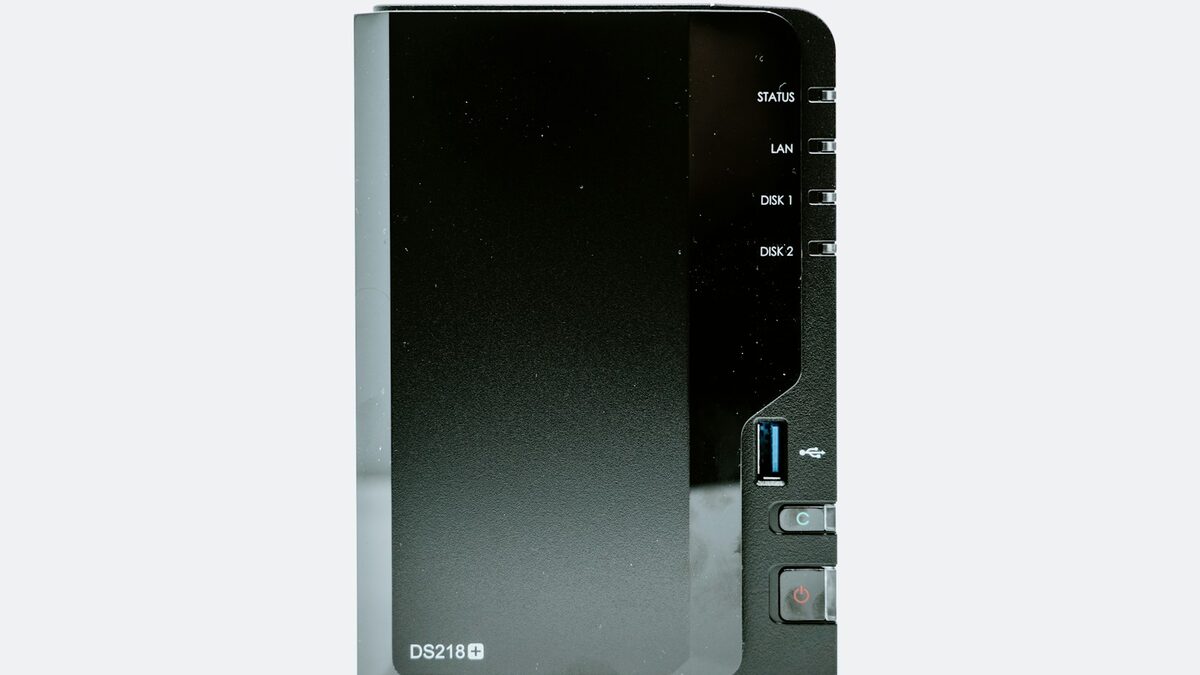
Every home server build guide eventually recommends a $1,200 rack-mount chassis with eight drive bays, and most people reading this don't need that. You need something that holds a few terabytes, runs Plex or Immich or a handful of Docker containers without melting, doesn't sound like a leaf blower, and doesn't show up as a $40 line item on your power bill every month.
This is the build we'd actually make at under $400 total, with specific parts and specific prices, not “prices vary.”
What “under $400” buys you, and what it doesn't
This budget buys a genuinely useful home server: enough CPU for transcoding one or two video streams, enough RAM to run ZFS or a dozen lightweight containers comfortably, and enough storage for a real media library or a serious set of backups. It does not buy you a box that will comfortably run a dozen VMs, train anything, or survive a drive failure without you noticing — that's a separate, more expensive conversation about RAID and redundancy.
We also made one deliberate trade-off: we're buying a used small-form-factor business desktop instead of new mini PC hardware, which is the single biggest lever for getting real multi-core performance into this budget.
Parts list and total cost
| Part | Pick | Price |
|---|---|---|
| Base unit | Used Dell OptiPlex 7050 SFF (i5-7500, 65W TDP) | $115 |
| RAM | 32GB DDR4 (2x16GB) kit, new | $58 |
| Boot SSD | 500GB NVMe or SATA SSD | $34 |
| Storage SSD | 2TB SATA SSD for media/data | $89 |
| Case fan swap | Noctua NF-A8, replaces stock fan | $19 |
| UPS | APC Back-UPS 600VA | $64 |
| Network switch | 5-port unmanaged gigabit switch | $16 |
| Misc (thermal paste, cables) | — | $12 |
| Total | $407 |
That lands $7 over the headline number, which is close enough to call it — skip the fan swap and the stock cooler is tolerable, which brings it to $388 if you want to hit $400 exactly. We kept the fan swap in because "quiet" is the whole point of this build.
Mini PC vs. used SFF: picking the box
A new mini PC (the Beelink/Minisforum category) in this price range gets you a modern, genuinely silent, low-power N100 or Ryzen chip with 16GB RAM soldered in — fine for Pi-hole, a reverse proxy, and light containers, but it will choke on transcoding more than one video stream and you can't add storage beyond one or two M.2 slots.
A used small-form-factor business desktop — Dell OptiPlex, HP EliteDesk, Lenovo ThinkCentre, all roughly interchangeable for this purpose — gives you a real desktop-class quad-core i5 or i7, upgradeable RAM, a 3.5" drive bay, and a PCIe slot, for less money than the mini PC, because corporate IT departments refresh these by the pallet. The downside is a noisier stock cooler and a slightly bigger footprint, both of which this build addresses directly.
RAM and storage: don't skimp here
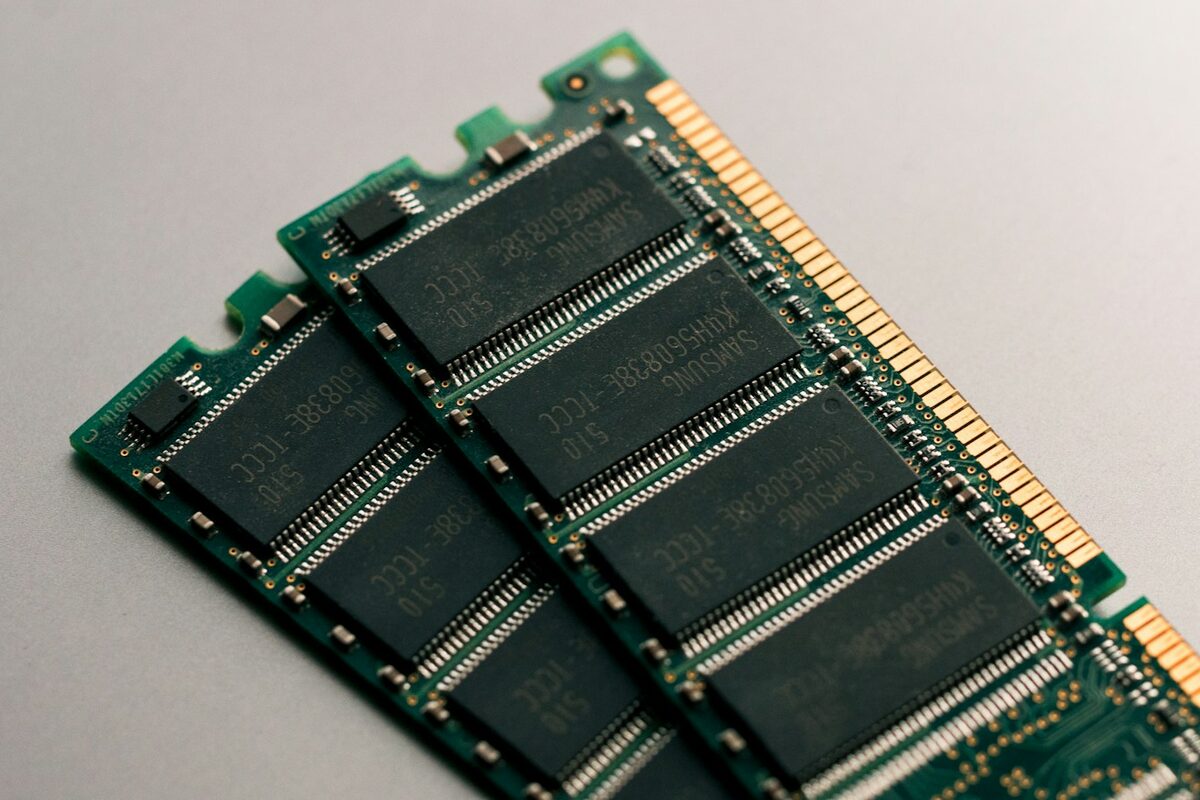
- RAM: 32GB is the number that actually matters. 16GB works for a light container load, but ZFS, a Plex library scan, and a couple of memory-hungry apps running at once will eat it fast, and DDR4 is cheap enough in 2026 that there's no good reason to undersize this.
- Boot vs. storage drives: keep the OS on its own small SSD, separate from your media/data SSD. It makes reinstalling the OS a non-event and keeps OS writes from competing with the storage you actually care about.
- SSD over spinning disk, at this scale: for under 4TB of total storage, SSDs are quiet, use less power, and the price gap to spinning disks has closed enough that it's not worth the extra noise and failure risk for a build this size. If you need 8TB+, that's a different build with a drive cage and real airflow planning.
Keeping it quiet, keeping it alive
Two things separate a home server you forget about from one you keep fighting: the fan, and the power.
The stock fan on most business SFF desktops is tuned for airflow over acoustics, because nobody at a help desk cares if it's loud. A single Noctua NF-A8 swap, with a BIOS fan curve adjustment to let it run slower at idle, took this build from "audible from the next room" to "you have to put your ear against the case to hear it," for $19.
A UPS matters more than people assume for a home server specifically because unclean shutdowns are how you corrupt a filesystem or a database, not just how you lose unsaved work. A 600VA unit gives this build roughly 15–20 minutes of runtime under its actual draw (measured at 28W at idle, up to 65W under load) — enough for a graceful shutdown script to fire during any outage short of a multi-hour one.
Putting it together
Before you buy a used SFF desktop, ask the seller for the exact model number and look up its power supply wattage and the stock cooler's known noise complaints — some generations of the same product line (OptiPlex 7040 vs. 7050, for instance) differ meaningfully on both.
Assembly is ordinary PC-building: swap the fan and apply fresh thermal paste while the case is open anyway, seat both SSDs, max out the RAM, and do a single clean install of your OS of choice (we used Debian 12, but Proxmox or TrueNAS Scale are equally reasonable depending on whether you want VMs or just containers). Budget an evening, not a weekend.
Six months in: what's actually running on it
On this exact hardware, comfortably, with headroom to spare: a Plex server transcoding one 4K stream at a time, Immich for photo backups from two phones, a Pi-hole instance, a Gitea server, and four or five smaller containers for things like a bookmark manager and a budgeting app. Idle power draw sits around 28W, which at typical residential electricity rates works out to roughly $3–4 a month — the running cost nobody puts on the parts list, but worth knowing before you build.